
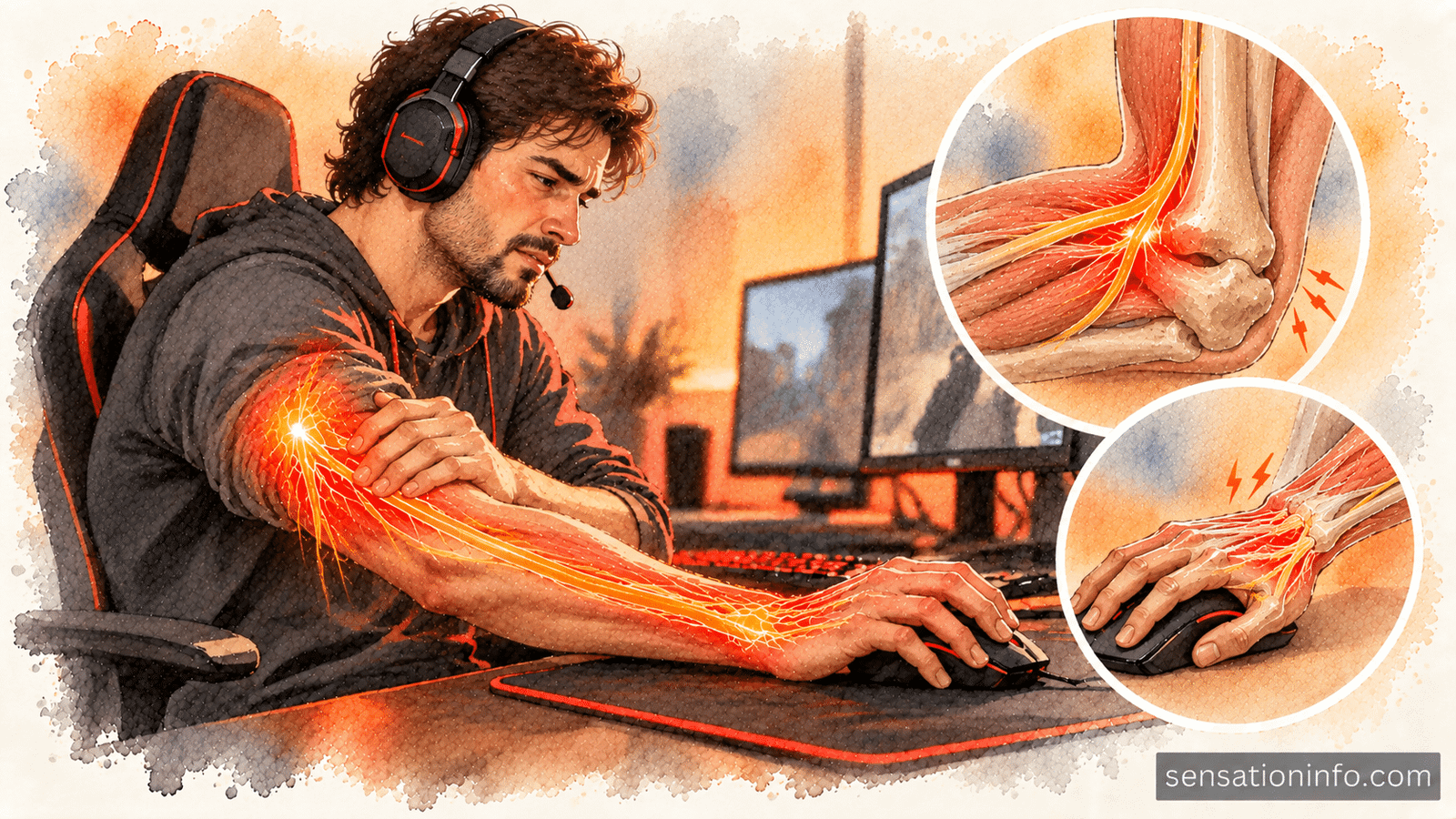

If you are experiencing a severe burning pain in your forearm after hours of PC gaming, you are likely suffering from acute nerve inflammation or tendonitis. The repetitive small movements of aiming, clicking, and resting your arm on a hard desk edge can easily compress the sensitive nerves running from your elbow to your wrist.
Before assuming this intense burning pain in one arm is a permanent injury, optimizing your desk ergonomics and practicing specific nerve glides can drastically reduce the inflammation. However, if the burning is accompanied by sudden weakness, numbness in your fingers, or an inability to grip your mouse, you must stop playing immediately and seek a medical evaluation.
What Causes Burning Forearm Pain from Gaming
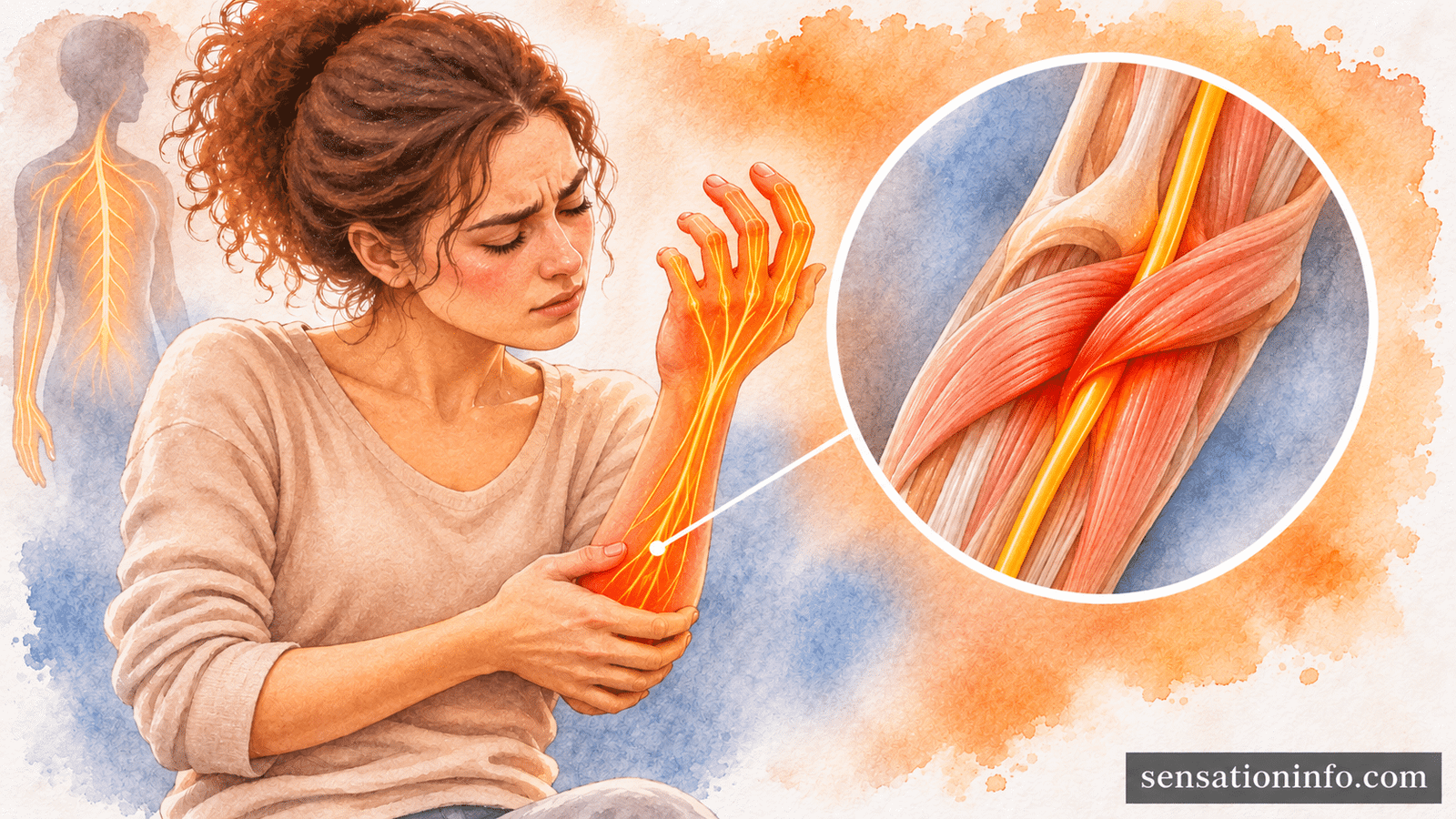
Competitive and prolonged PC gaming requires incredibly high actions per minute. This constant clicking and sweeping of the mouse forces your forearm muscles to remain contracted for hours without rest. When muscles stay tight for too long, they restrict blood flow and begin to swell, which physically squeezes the surrounding nerves.
Nerves rely on a constant supply of oxygen and physical space to glide smoothly during movement. When gaming restricts this space, the nerve sheath becomes irritated and inflamed. Your brain interprets this acute nerve irritation as a hot, searing, or electrical burning sensation that can radiate from your elbow straight down to your fingertips.
The primary mechanical stressors causing this inflammation include:
- Edge Compression: Resting your forearm heavily against the sharp 90 degree angle of your desk cuts off circulation.
- Claw Gripping: Holding the mouse with excessive tension strains the flexor tendons on the underside of your arm.
- Low DPI Sweeping: Playing tactical shooters with low mouse sensitivity requires massive arm swings that strain the elbow joint.
- Static Hovering: Keeping your wrist slightly elevated without support exhausts the forearm extensor muscles.
Identifying the Damaged Nerve or Tendon
Not all forearm burning is identical. The exact location of your pain can help identify which specific nerve or tendon is currently inflamed by your gaming posture.
Cubital Tunnel Syndrome (Inner Forearm)
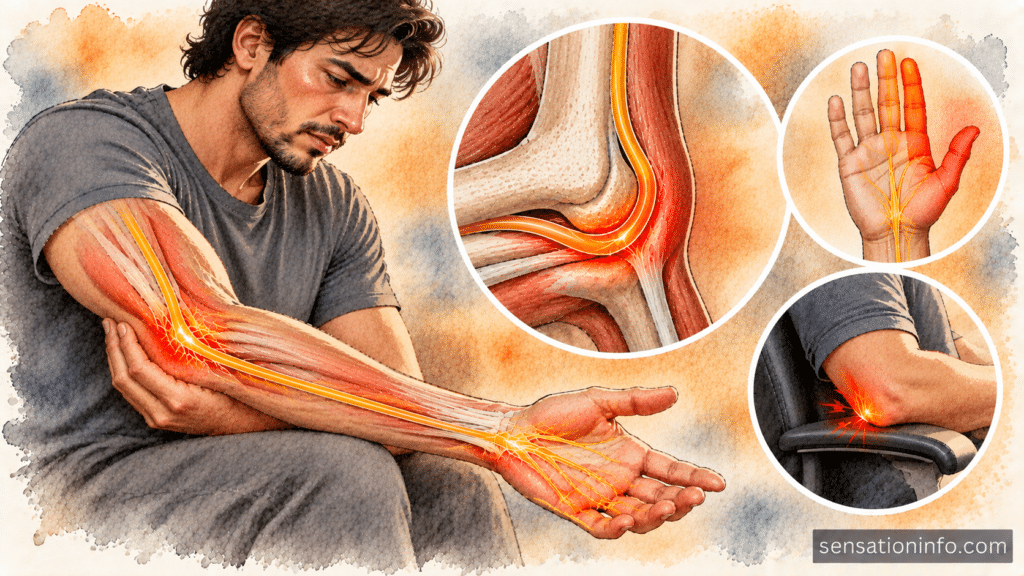
If the burning runs along the inner side of your forearm and ends in a numb pinky and ring finger, the ulnar nerve is the culprit. This nerve runs directly through the funny bone area of your elbow. When you rest your elbows on hard chair armrests while gaming, you physically crush this nerve against the bone.
Over time, this compression leads to cubital tunnel syndrome. Gamers with this condition often feel a deep ache inside the elbow that transitions into a sharp burning sensation down the inner forearm when they bend their arm aggressively to reach the keyboard.
Mouse Elbow and Radial Nerve Tension (Outer Forearm)
If the forearm burning sits on the top or outer edge of your forearm near the elbow, you are likely dealing with lateral epicondylitis, commonly known as mouse elbow. This is a form of severe tendonitis caused by constantly lifting your fingers to click the mouse.
When the tendons become swollen from repetitive clicking, they can inflame the adjacent radial nerve. Radial nerve tension feels like a hot, pulling sensation down the top of the forearm that worsens when you extend your wrist backward to hold your mouse.
Immediate Ergonomic Fixes for Gamers
Continuing to play through a severe burning sensation will only worsen nerve damage. To reduce the inflammation and prevent carpal tunnel syndrome or permanent nerve entrapment, you must alter how your arm interacts with your desk setup.
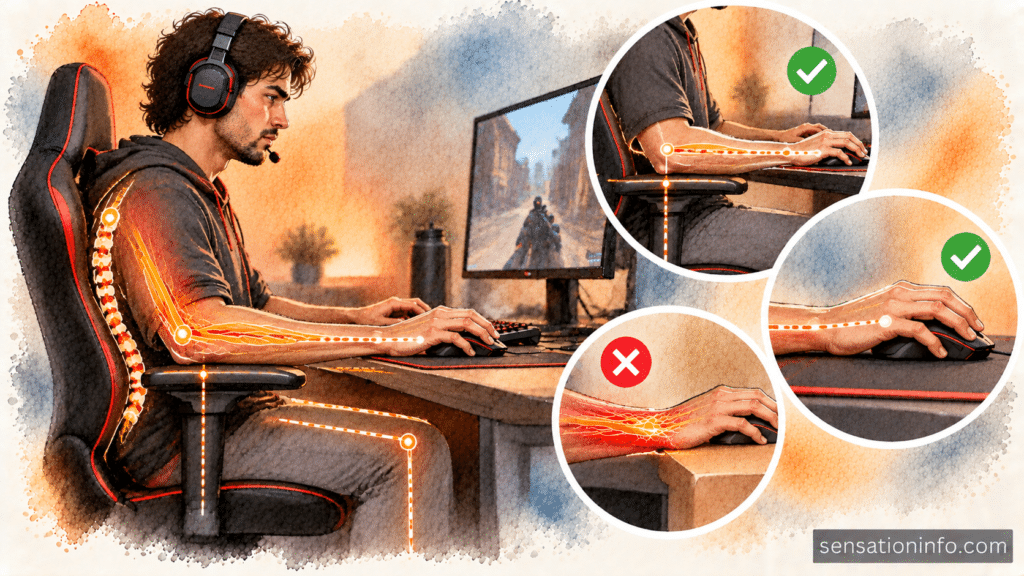
Implement these immediate ergonomic corrections before your next gaming session:
- Elevate Your Chair: Your elbows should rest slightly above desk level so your forearms point slightly downward. This prevents the desk edge from cutting into your arm.
- Float the Wrist: Never anchor your wrist bone directly onto the mousepad. Use your whole arm to aim to distribute the physical load evenly.
- Soften the Edges: Buy an extended, thick desk mat or wear a padded compression sleeve to cushion the ulnar nerve against the desk.
- Check Your Armrests: Lower your chair armrests so your elbows are not constantly pressed into a hard surface while you play.
When to Stop Gaming and See a Specialist
Mild muscle soreness after a long gaming session is normal, but a searing nerve burn is not. Nerve tissue heals very slowly, and ignoring severe warning signs can result in a permanent loss of motor control in your hand.
You should stop playing immediately and schedule an evaluation with an orthopedic doctor if you experience:
- A burning sensation that keeps you awake at night.
- Visible muscle loss or a hollow appearance in your hand or forearm.
- An inability to click the mouse quickly due to sluggish finger movement.
- Dropping objects because your grip strength has suddenly vanished.
Key Takeaways
- Forearm burning is a nerve signal. It means the nerves in your arm are being compressed, stretched, or starved of oxygen during long gaming sessions.
- Inner arm burning points to the ulnar nerve. Resting your elbow on hard surfaces causes cubital tunnel syndrome, affecting the pinky and ring fingers.
- Outer arm burning points to tendonitis. Repetitive clicking inflames the extensor tendons, leading to mouse elbow and radial nerve irritation.
- Ergonomics are the best medicine. Adjusting your chair height and padding your desk edge can immediately relieve nerve pressure.
- Never ignore motor weakness. If the burning is accompanied by a weak grip or numb fingers, stop gaming and see a medical professional.
Frequently Asked Questions
Wearing a rigid brace while actively gaming is generally not recommended because it forces your forearm muscles to fight against the stiff material. However, wearing a brace while you sleep is an excellent way to keep the nerve straight and reduce morning inflammation.
Yes. A vertical mouse places your forearm in a neutral handshake position. This prevents the two bones in your forearm from crossing over each other, which reduces tension on the tendons and nerves.
Ibuprofen (Advil) or naproxen (Aleve) can temporarily reduce the inflammation and dull the burning sensation. However, they will not fix the underlying mechanical compression caused by your gaming posture.
Doctor’s Recommendation
If ergonomic adjustments do not resolve your burning nerve pain, or if you develop weakness in your hand, you should seek immediate professional evaluation. We recommend consulting this directory of the top carpal tunnel and nerve specialists to find an orthopedic expert who understands repetitive strain injuries.
References
- Cleveland Clinic. Repetitive Strain Injury (RSI). Cleveland Clinic Health Library.
- American Academy of Orthopaedic Surgeons. Ulnar Nerve Entrapment at the Elbow (Cubital Tunnel Syndrome). OrthoInfo. 2024.
- Cleveland Clinic. Lateral Epicondylitis (Tennis Elbow). Cleveland Clinic Health Library. 2024.
- National Center for Biotechnology Information. Ulnar Neuropathy. StatPearls Publishing. 2024.


One Response